
Brick Product Tabs for WooCommerce
Add your own tabs to WooCommerce product pages: shipping information, size guides, ingredients, warranty, videos, FAQs and anything else your customers need before they buy.
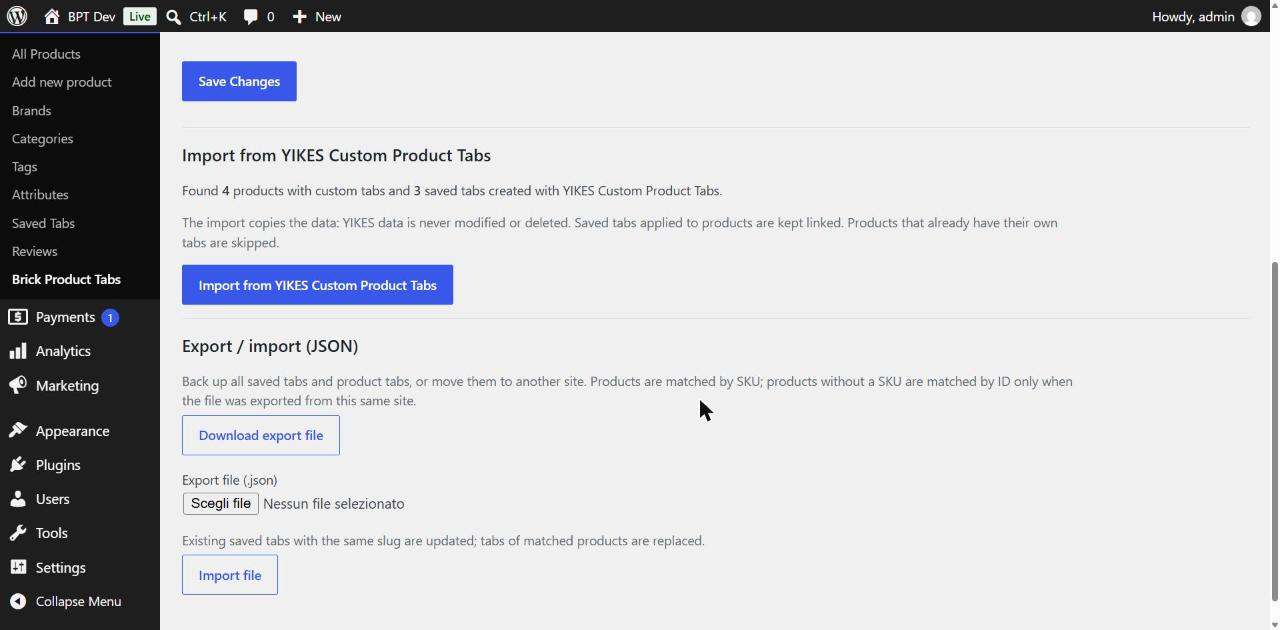
Switching from YIKES Custom Product Tabs? Import your existing tabs in one click, without retyping their content.
Get it on WordPress.org Migrating from YIKES?
The plugin has been submitted to the WordPress.org plugin directory and is waiting for review. Until it is approved, the WordPress.org link above may show "not found".
Features
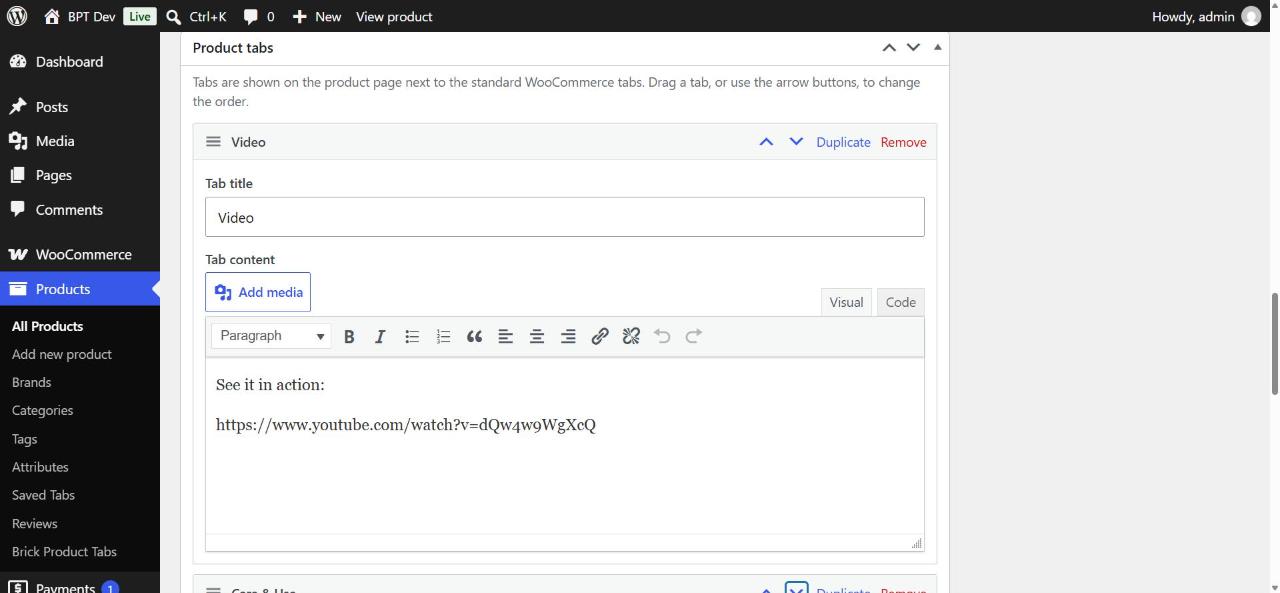
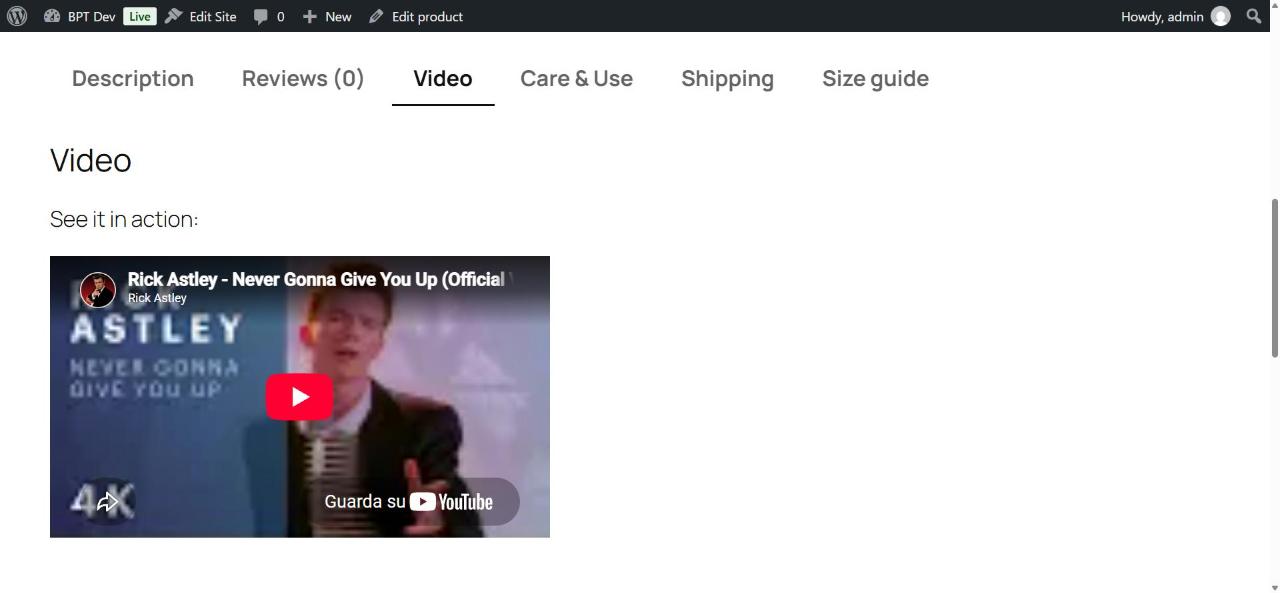
- Multiple tabs per product, on all standard WooCommerce product types (simple, variable, grouped, external). Each tab has a title and full visual editor content, with shortcodes, media and video embeds.
- Drag and drop ordering, plus move up / move down buttons for keyboard users.
- Duplicate and remove tabs in one click.
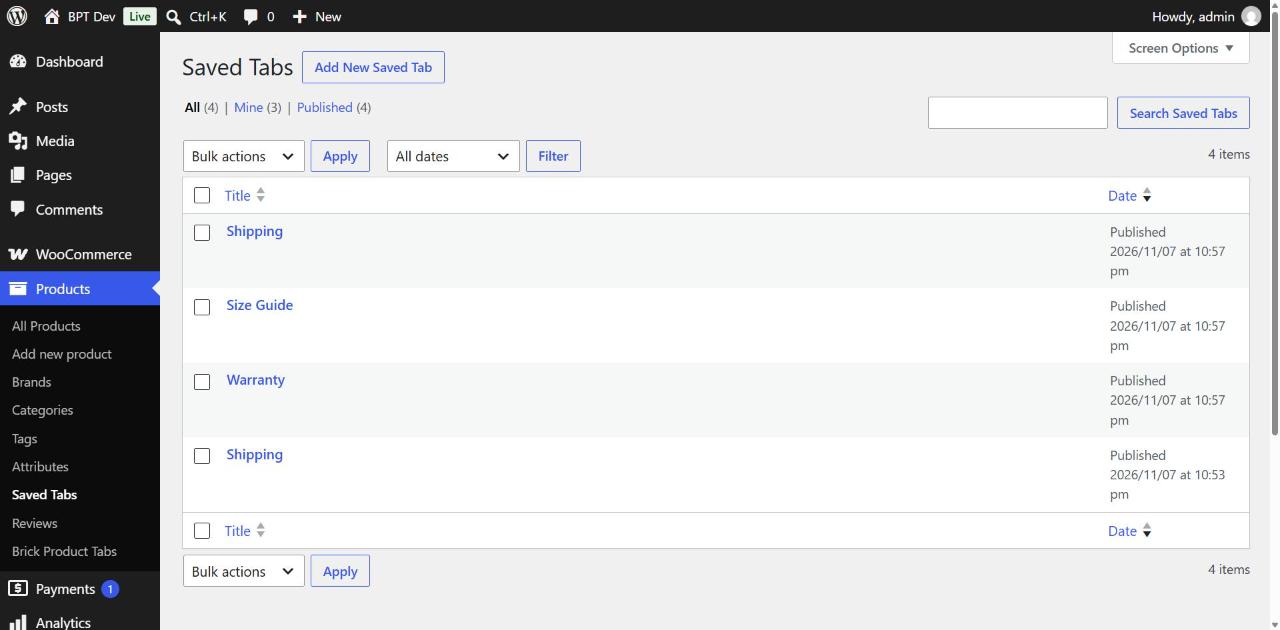
- Saved tabs: write a tab once (Products > Saved Tabs) and add it to as many products as you like. Edit the saved tab and every product still linked to it is updated. Need a product-specific version? "Unlink" copies the content into that product.
- One-click import from YIKES Custom Product Tabs, in batches of 100 products with a progress bar.
- JSON export / import: back up all saved tabs and product tabs, or move them to another site (products are matched by SKU; products without a SKU are matched by ID only on the site they were exported from).
- Tab position: show your tabs after (default) or before the standard WooCommerce tabs.
- Classic themes and block themes whose product template uses the standard WooCommerce product tabs (tested with Twenty Twenty-Five).
- Lightweight: no CSS or JavaScript of its own on the front end; tabs use your theme's WooCommerce tab styles.
- Compatible with WooCommerce HPOS (High-Performance Order Storage).
- Safe content: users without the
unfiltered_htmlcapability get tab content filtered throughwp_kses_post(), as for post content. - No tracking, no external requests from the plugin, no ads in your dashboard. Italian translation included.
Screenshots
Requirements
- WordPress 6.4 or later (tested up to 7.1)
- WooCommerce 8.0 or later
- PHP 8.1 or later
Pro add-on
An optional, separately sold add-on for shops with many products. It adds:
- tabs by rule: assign a saved tab automatically to products by category, tag or attribute;
- bulk assignment of saved tabs to many products at once;
- renaming of the default tabs (Description, Additional information, Reviews);
- CSV import of tabs and assignments.
Planned price: 29 € for 1 site or 59 € for unlimited sites, one-time payment, including updates for all 1.x versions. The add-on will be available after the free plugin is approved on WordPress.org.
Brick Product Tabs Pro on Gumroad
FAQ
Do I need YIKES Custom Product Tabs to use this plugin?
No. The plugin works on its own. The YIKES import is only useful if you used that plugin before.
Will the YIKES import delete or change my YIKES data?
No. YIKES data is only read. You can keep YIKES installed until you have checked the result, then deactivate it.
What happens if I run the YIKES import twice?
Nothing is duplicated. The second click is refused unless you choose "Import again (overwrite)". On the products imported the first time, it replaces only the tabs that came from YIKES and keeps the tabs you added afterwards.
Can I use shortcodes and videos in a tab?
Yes. Shortcodes are processed when the tab is displayed, and a YouTube or Vimeo URL on its own line becomes a video player, as in posts.
Does it work with block themes?
It is compatible with classic themes and with block themes whose product template uses the standard WooCommerce product tabs (tested with Twenty Twenty-Five).
Is my data removed when I delete the plugin?
Only if you enable "Delete all plugin data on uninstall" in the settings. By default your tabs are kept.
Does the plugin contact external servers?
No. The plugin has no tracking and makes no external requests. If a tab contains a YouTube or Vimeo video, the embedded player loads from that service, as it does in posts.